Guide
How to Count CSV Columns Before an Import Breaks
Check CSV rows, columns, and the detected delimiter before importing into Excel, Sheets, or a database.
When a CSV import fails, the problem is often visible before you ever upload the file: the delimiter is wrong, or the first row does not contain the number of columns you expected.
Quick answer
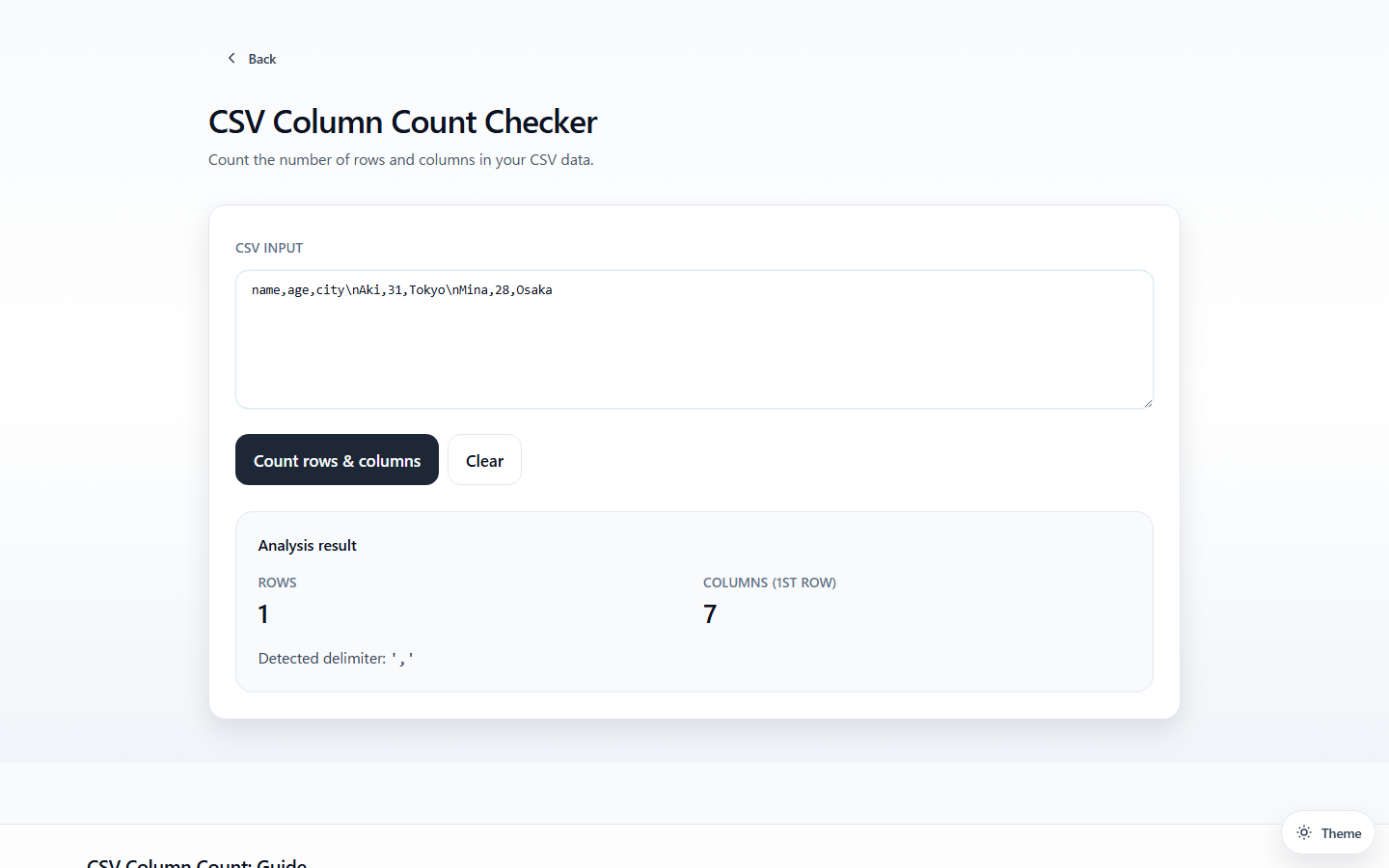
To count CSV columns, paste a sample into the CSV Column Count Checker. It shows the row count, the first-row column count, and the delimiter it detected, which is usually enough to spot a bad export before import.
What to check first
Before importing a CSV, verify three things:
- How many rows are present
- How many columns appear in the first row
- Which delimiter was detected
Why this catches problems early
If a semicolon-delimited file is treated as comma-delimited, the entire row can collapse into one column. If the first row already has the wrong count, the rest of the import usually will not recover gracefully.
The first row matters because many importers use it as the schema shape. If the header row says 3 columns but later rows contain 4 or 5, you may get shifted data, failed validation, or values silently landing in the wrong fields.
A quick workflow
- Paste a sample into CSV Column Count Checker
- Confirm row and column counts
- Check the detected delimiter
- If the result looks suspicious, move to CSV Delimiter Detector or CSV Inspector for deeper debugging
Common CSV problems this reveals
| Symptom | Likely cause |
|---|---|
| Everything appears in one column | Wrong delimiter |
| Header has fewer columns than expected | Missing separator |
| Importer complains about row width | Broken quoted field or extra separator |
| Spreadsheet opens oddly by locale | Comma vs semicolon mismatch |
CSV column count vs delimiter detection
Column counting tells you the shape of the file. Delimiter detection tells you how that shape is being split. You often need both:
- use CSV Column Count Checker for a fast preflight
- use CSV Delimiter Detector when the separator itself is unclear
- use CSV Inspector when you suspect broken rows or quote problems
Best use case
This is the fastest preflight check when you receive CSVs from another system and want to know whether the file is structurally sane before opening Excel or writing import code.